
Back to Home


iOS Setup Guide
Follow these steps to configure your iOS device

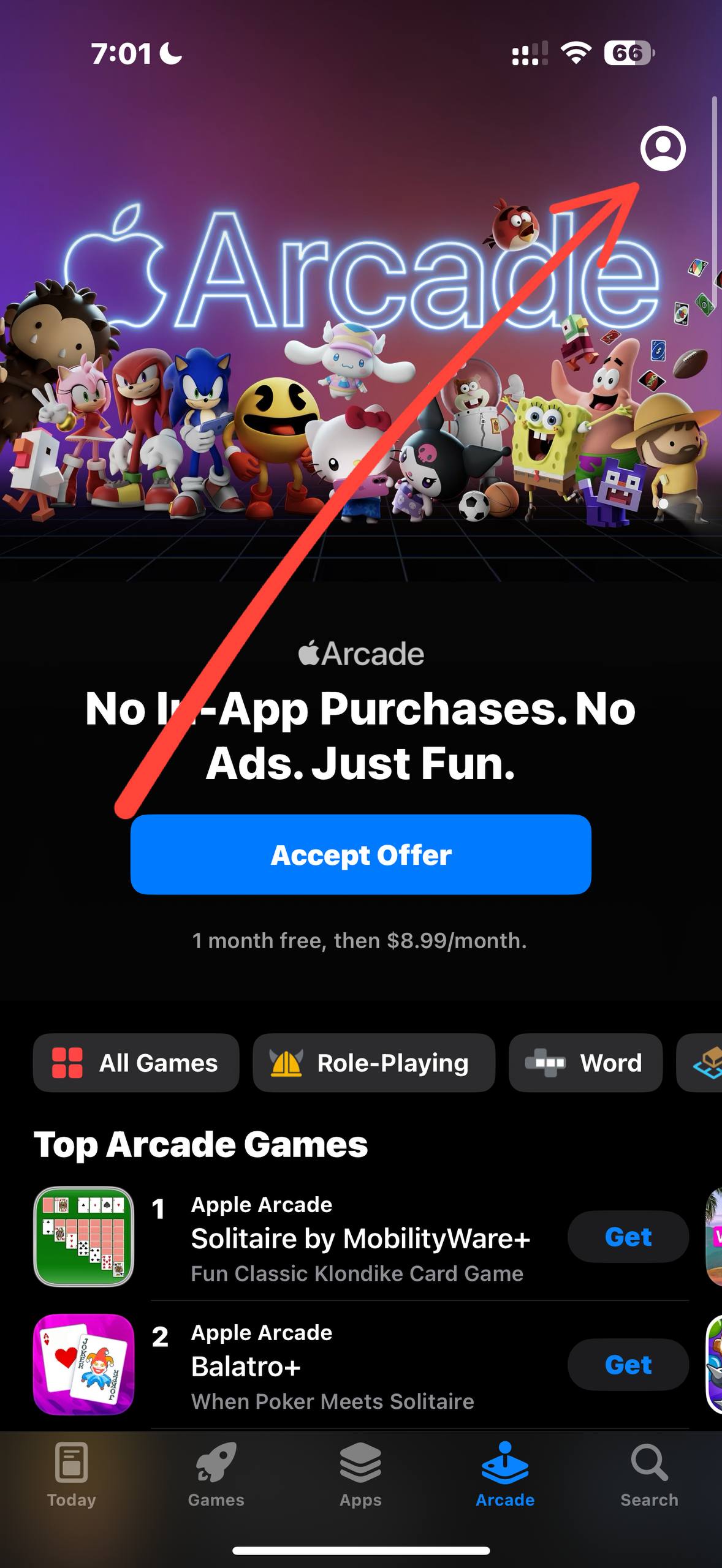
3
3. Download Hiddify
Download Hiddify from the US App Store and open it.
4
4. Import Config
Go to SingLink Web and click "Import Now".
5
5. Copy Link
Select "Link Import" to copy the subscription link.
6
6. Add Profile
Open Hiddify and click the + icon.
7
7. Allow Permissions
Click "Allow" when prompted for VPN configurations.
8
8. Config Options
Go to "Configuration Options" and find DNS settings.
Important
9
9. Configure DNS (Critical)
Remote DNS set to
Direct DNS set to
10
10. Connect
Return home and click connect.
Complete the steps above to start using.